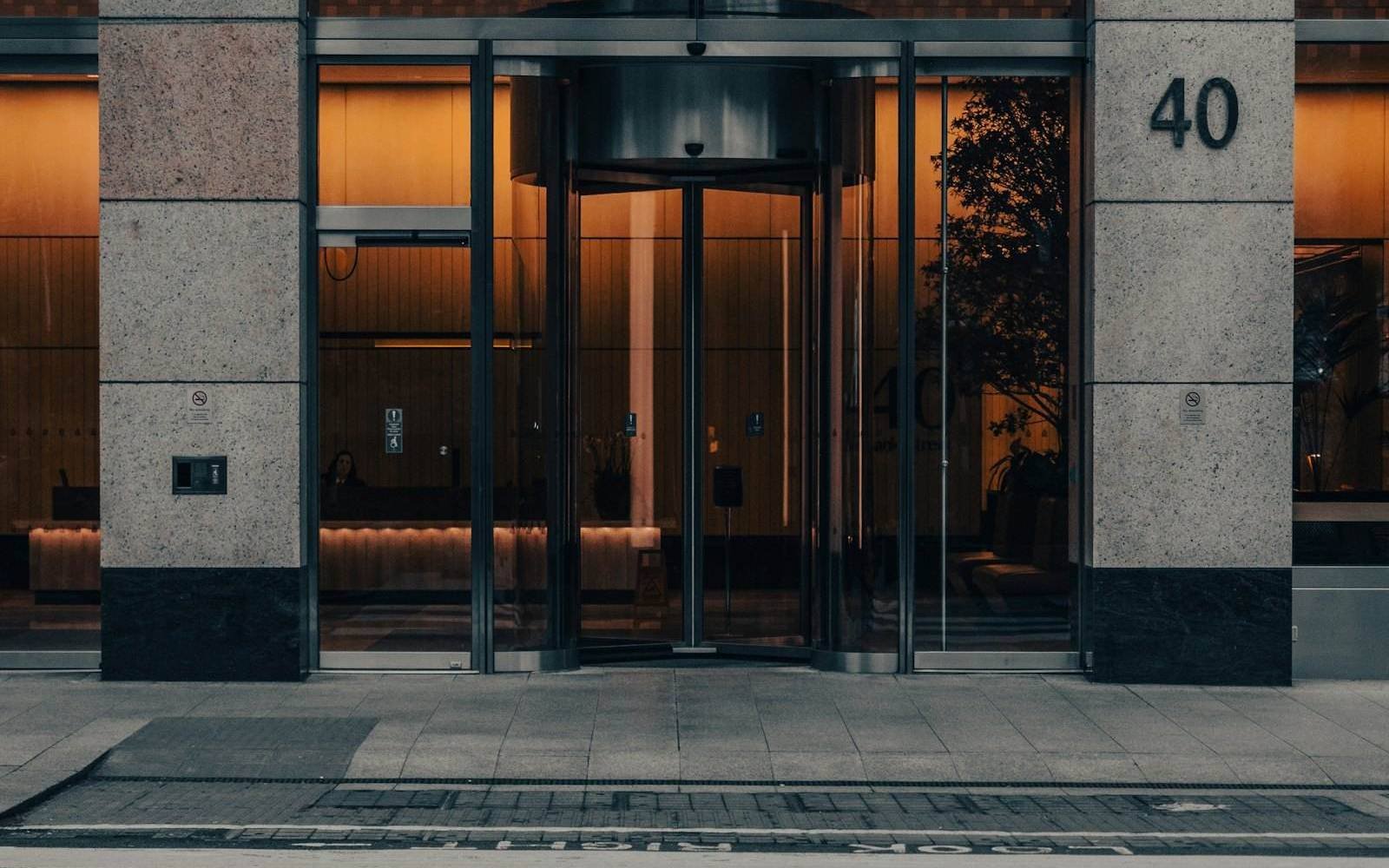
Office building cameras with access for every tenant and team.
Cover lobbies, entrances, garages and docks on one on-premise system, then decide exactly who sees which cameras. Owners, managers, engineers and tenants each get the right view and nothing more.
- Lobbies, garages, docks and server rooms covered
- Per-user permissions and camera visibility
- Installed around tenants, after hours if needed
Get a free consultation
Two quick steps. A system designer replies to confirm fit and schedule a call.
- Scales from 10 to 100+ camerasNo new hardware, no re-running wires
- No cloud subscriptionsFootage stays on your own on-site server
- Installed twice as fastOne cable for power and video
- 3 months free supportThen a real person to call
Sound familiar?
What office buildings need from cameras.
Many people, many tenants and lots of shared space, with liability and privacy to balance.
No control over who sees which floor.
Per-user permissions, schedules and camera visibility, including tenant-only views.
Slip-and-falls, break-ins and disputes with no usable footage.
Ramps, stairwells, elevator lobbies and pay stations, planned by zone.
Who came in on Saturday night?
Alerts for motion at entrances and restricted rooms outside business hours.
Costs rise with every floor added.
Footage on a server in the building, with no cloud subscriptions.

Coverage zones
An office building, zone by zone.
The system
What's included for an office building.
Discreet, advanced cameras
Low-profile domes for lobbies, rugged cameras for garages and docks.
On-premise server
Centralized recording in your building, storage sized to your needs.
Unlimited users
Owners, managers, engineers and tenants, each with their own permissions.
Private remote access
View from anywhere with no open ports on the building network.
Smart alerts
After-hours zone alerts for entrances, docks and IT rooms.
Lifetime software license
No recurring license fees per camera.
How it works
Explore each part of the system.
Own or manage several buildings? View them all from one account.
Why Siteward
Built to grow with you. Owned by you.
An on-site camera system that scales without rewiring, keeps your footage on your property, and comes with a real person to call.
Scales with your business
Start with 10 cameras, grow to 100+. Adding cameras never means replacing hardware or re-running wires.
One cable does it all
A single ethernet cable carries both power and video, so installations stay clean and simple.
More than just recording
Facial recognition, motion scheduling, custom alerts and AI integrations, all built into the software.
Your data stays on-site
No cloud subscriptions. Everything is stored locally on your own server, on your terms.
Built-in protection
Private network connections across all your locations. No open ports, no exposure.
Unlimited viewers, full control
Add as many users as you need, and set exactly what each person can see and when.
Up and running twice as fast
Faster installation than traditional systems, with zero compromise on quality.
A real person to call
Ongoing support from people who know your system inside and out.
Competitive pricing
Lower build costs mean better value, without cutting corners.
How it works
From first call to a working building system.
You see the full plan and cost breakdown before anything is installed, and you’re never left on your own afterward.
Initial consultation
A phone call to understand your property, your needs and whether we’re the right fit.
Site planning
A physical and layout analysis of your location. Camera placement is mapped to eliminate blind spots and organized into zones.
Proposal
The full plan with a cost breakdown covering hardware (cameras and server), planning and installation.
Installation
Coordinated with your electricians. Server placed, cameras installed on PoE ethernet, recording software configured and your online account set up.
3 months free support
A free support period after launch to fine-tune alerts, users and views and iron out any issues.
Ongoing support
A small monthly fee keeps you connected to support from people who know your system.
Can tenants see their own cameras only?
Yes. User access management lets you choose which cameras each user sees, set schedules and control playback and export, so a tenant can view their suite entrance without seeing anything else.
Can installation happen without disrupting tenants?
Yes. We coordinate with your building engineer and electricians, and schedule noisy or common-area work after hours when needed.
Where should cameras not go in an office?
Never in restrooms, locker rooms or lactation rooms. Private offices and audio recording raise extra issues, so we recommend confirming policies with your counsel.
Other business types
We also cover.
Free consultation
Get a camera plan for your building.
Tell us about your property. We’ll start with a quick call, plan camera placement zone by zone, and send a full proposal with a clear cost breakdown. There’s no obligation.
- A consultation callto understand your needs and confirm fit
- A site planwith camera placement mapped to eliminate blind spots
- An itemized proposalcovering cameras, server, planning and installation
Get a free consultation
Two quick steps. A system designer replies to confirm fit and schedule a call.